
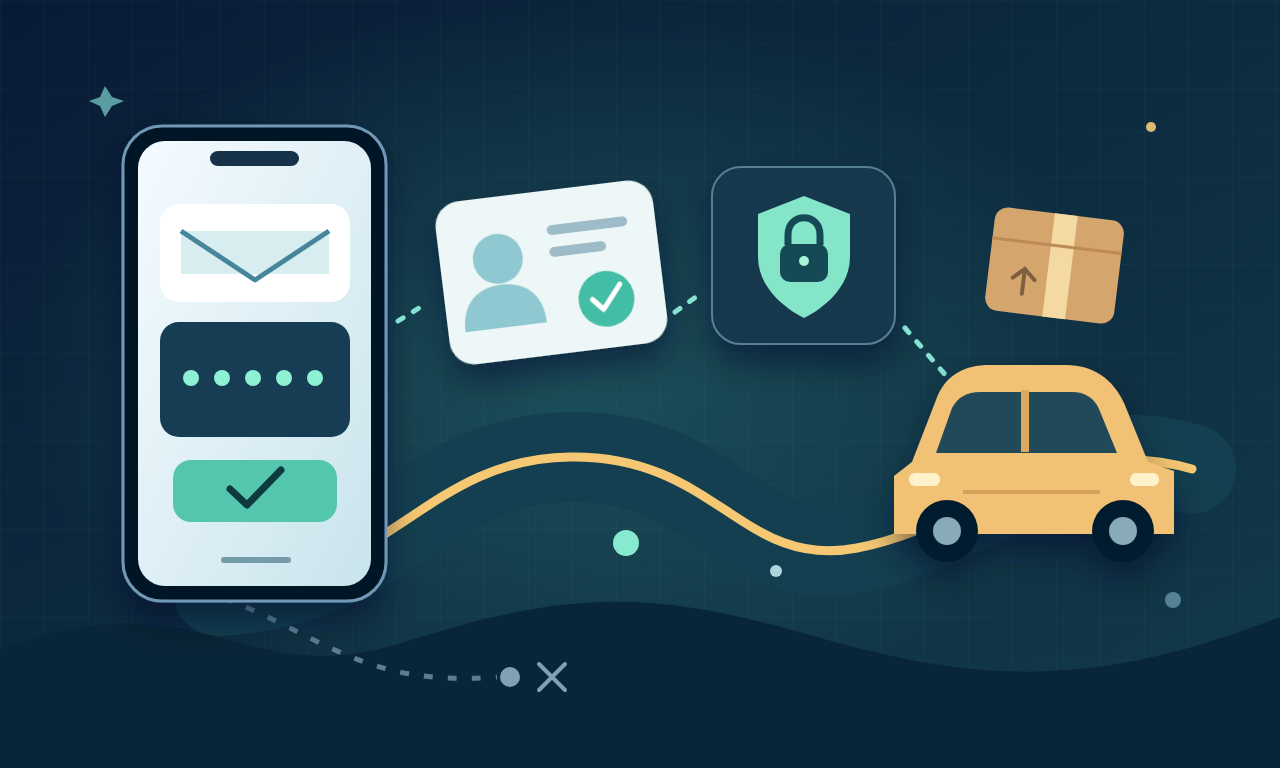
The driver’s account has a feature: it is returned to him after the first confirmation. Today you need a code to log in, later you may need a password restore and then - an additional verification of the owner. Therefore, the question “where SMS comes” for Spark Driver is linked to a longer task: will the same phone be retained when the app again asks for identity confirmation? The successful first attempt does not yet answer this question.
Here we are talking about the American Spark Driver – the Walmart app for delivery executives. It cannot be mixed with email applications with a similar name or with the buyer's office. The official pages describe their own stages of layout and entry. Neither the temporary number nor the received message in itself give the right to accept orders. Let’s see how to divide these stages and notice a situation in which one-time contact will be uncomfortable.
What to know first
- First, determine whether you are creating your first account, logging in the existing or restore access.
- A short SMS number does not mean a long-term contact.
- Telephone checking, identity checking and delivery permission have different results.
- The SMScash VIP and the revenue for delivery are taken into account separately.
Start with the boundary of your account.
The Spark Driver terms define the application as a Walmart product and provide for personal use of the account. The practical conclusion is simple: make access for yourself, keep your contact details and don’t send the password or codes to another person. Purchase of a ready office or the promise of “war for you” do not solve the task of confirming the actual owner.
Before entering the data, it is useful to check the page address and the name of the installed application. If the letter, advertising and form offer different products, stop and find the desired section through the official website. The similarity of the sign or word Spark is not enough. Be ⁇ careful with the link that will simultaneously ask for a password, SMS and payment for acceleration of registration.
Do not start the second registration process just because the first screen is loading for a long time. Record what action the problem occurred: enter an address, wait for a code, confirm your identity or view status. This information helps to choose the right way of continuation. They are more useful than a series of new accounts, each of which creates another access history.
Verified contact and access to the platform - two results
The U.S. instructions indicate a mobile number with the code +1 and ten of the following numbers. When creating an account, the mail and mobile device are checked; one Spark Driver account is permitted. The formulation also includes individual requirements for the executor, documents and checks. The instructions themselves directly warn that tracking steps does not guarantee admission.
Imagine that both codes are already entered and the application has opened the next screen. This is confirmed only by the passing of the appropriate stage. If the waiting or check is shown below, changing the number for a "other result" is meaningless: the message is not a decision on the application. Focus on the status inside your account and to explain the specific next step.
The requirements of the American version should not be transferred to another country by analogue. Even the usual telephone prefix does not describe all conditions of participation. Before registration, check the current regional instructions and your own ability to meet its requirements. The presence of a country in the SMS service catalog does not confirm the availability of delivery or the applicant's compliance with the Spark Driver rules.
Why do you need a mail and a connected phone?
The official reference offers to enter with the mail used when creating an account. The separate settings Communications email changes the address for communication but not the entrance address. The one-time code is sent to the phone already linked to the account. Therefore, the new notification address and the new SMS session do not replace the previous access requests.
It is convenient to store a small account card: which address serves as a login, what number is connected to it and where the means of recovery are. Do not include active codes in this note. After changing the device, switch to the map and do not switch all the usual addresses. A mistake in selecting a mail may look like a lack of an account.
Check each field on the screen. Address for messages, login, confirmation number and support contact may be near the interface but perform different functions. If you have changed one value, make sure you understand the result of the operation. Do not consider access restored only because the service has received a new mail for notifications.
What a short SMS session does not keep for the future
The temporary number is convenient for limited time receipt of the message, if such method is permitted by the selected service. But the date of session refers to the receipt of SMS, not to the life of the account created. After the activation is completed, you cannot assume that the same number will remain available to you for the next entry, re-check or support conversation.
For the office to which you are expecting to return regularly, this is a fundamental difference. First, evaluate how you will confirm access in a week and after replacing the phone. If you need a stable contact, your own controlled number is usually better matching this task. Do not build work access on the assumption that one day you get the code will never need it again.
The presence of Spark Driver in the SMScash VIP catalog is also not a promise to accept any issued number. The decision on the specific method of confirmation remains in the external application. Before the permissible operation begins, see the country, direction and conditions of the session. If the mandatory requirements are not met, the receipt of another number should not be converted into an attempt to overcome them.
Logging into the Spark DriverTM app - HelpDocs ↗Official terms of SMScash VIP remuneration ↗
If the message has not arrived, specify the step.
The Spark Driver document provides the Get another code command for a regular repeated request. The password recovery begins with Forgot password?, after which the application offers a available way of obtaining the code. Check the actual screen: don’t promise yourself in advance that in any situation you can choose any contact.
To diagnose, divide three observations: the request is accepted by the application, SMS appears to the recipient, code is accepted in the form. There may be delay or rejection. Save the time and error text, but do not publish a full number, password or the same message with code. The consecutive check of one own request is more understandable than simultaneous repetitions on several devices.
Check to which contact the confirmation is addressed and do not submit data from the old message to a new request without screen checking. Do not imagine the universal length of the code or its duration: the current process is applied. If the app does not allow it to continue, stop repeating and use the prescribed recovery or support address.
The old phone cannot be restored with a new number.
When the account is already connected to an unavailable phone, another SMS activation does not redirect the existing check. It creates a different reception channel, but does not change the recorded in Spark Driver contact. In this case, another task formulation: to restore the owner’s access to the previous account or to find out the permissible procedure for changing its data.
Do not draw a conclusion about changing the number from the notification mail change instructions: these are different settings. Find the current official route for your situation and prepare the account information without transferring secrets to a third party. Do not create a replacement identity, do not ask a friend to check for you and do not pass the one-time code to the person who promises to fix everything.
Camera and identity checking are not replaced by SMS
The official security page describes the periodic identity checking through real-time selfie and driving license. This is an additional control of access to the account. A phone message and a document image answer different questions, so passing one step does not cancel the other.
Make sure that your device allows you to perform the actions shown by the application. If the camera doesn’t work or the picture is not taken, diagnose this problem separately from sending SMS. Do not try to treat the image error by changing the number. So it is easier to understand what has already been confirmed and what really requires correction.
Treat photos and documents as sensitive data. Send them only in the appropriate official process and check where the file is loaded. The advice “to pick up a photo of another person” or “to buy confirmation” does not create legitimate own access. They also lack sense to check the owner for which the application requires this information.
Not every Spark Driver message contains a login code
In the Spark Driver layout instructions, the selection of SMS and emails is separated from contact checking. Therefore, a message with the name of the service does not mean that you have an authorization request. First, determine its destination and then decide whether you need to carry anything in the form of entrance.
Look at the action you started yourself. If you have not requested a recovery, don’t confirm it at the request of someone else. Program updates, information messages and one-time secrets have a different meaning. This way of reading helps not confuse the usual communication with access to the account and does not report the code to the person who has been presented by the service employee.
How to evaluate the results in SMScash VIP
In SMScash VIP, look at your own activation: selected service and country, issued number, timer and saved messages. The direction stock changes, so the article does not promise a permanent presence or a specific rate. SMS receipt on the platform and successful entry into the external application are checked separately. One result cannot be automatically removed from the other. The sum of the offer describes the conditional prize, not the purchase price of the number. Consider the selected operator.
Customer remuneration in the new activation is linked only to the first preserved appropriate standard code. Additional codes don’t give a new customer award, and messages after the session is closed do not create it. This rule does not mean that any text from the service is considered an appropriate code. Make the actual billing with the record of your operation.
This remuneration may remain in the period of retention until the conditions for free. The retention period is not equal to the available balance sheet, and the displayed record is not a confirmed payment. The Spark Driver delivery fee is a different process and is not determined by the number of SMS in SMScash VIP. Do not deposit these amounts in the promise of income and do not repeat the confirmation for the expected additional reward. The withdrawal shall be drawn out of the available balance sheet, without any amount on the retention period.
Official Public Guide to SMScash ↗Official terms of SMScash VIP remuneration ↗
What to keep when the independent check is completed
The official support route in the app leads through Help to CHAT NOW; a specialist connection can be offered in the chat. Use the available options. The promise of the side to activate the office immediately does not replace the discovery of a specific error in your account.
A clear sequence is enough to turn: what action you did, when an error occurred, what the screen showed and what stable steps have already been tried. Close the personal data on the photo that is not necessary for explanation. Do not send the current password or SMS code. Identification data must be transferred only when and where they are requested by the current official process.
Finish the check with a specific monitoring. You could open your account after confirmation; either the request stopped at a certain step and was transferred to support; or it became clear that long-term access to the phone was needed. These results are different. Neither the request sent nor the received message should be called a fully restored work access without actual entry.
Questions and answers
Is SMS confirmation that I was allowed to deliver?
No is. Contact checking is a separate phase. Accessibility depends on other requirements and Spark Driver solutions. See the status of your own application in the app; one received message does not confirm the completion of the registration.
Can I guarantee the work of a temporary number?
No is. The presence of directions in SMScash VIP does not confirm the receipt of each number by an external service. Also, a short session does not provide access to the same phone in the future. For a long-term account, think in advance of sustainable recovery.
Official Public Guide to SMScash ↗Official terms of SMScash VIP remuneration ↗
Why does a new notification email not help to enter?
The notification address and the starting mail have different purposes. Identify which setting you have changed and use the predicted route to restore your account. Do not create a second account to overcome the difficulty.
What if the code is sent to the old phone?
Another temporary number does not change the previously linked record. A formal disclosure of access or permissible change of contact is required. Do not transmit secrets to the mediators and do not count a new SMS session as a recovery of the old phone.
Do repeated messages give another SMScash VIP reward?
No is. In the new activation, the customer reward applies only to the first preserved appropriate standard code. Additional codes and messages after the session is closed do not create a new customer award. Accounting, retention period, available balance sheet and payment are checked as separate conditions.
For Spark Driver it is useful to plan not only the receipt of today’s SMS, but also the next login to the same account. Keep control over the mail and phone, perform your own identity checks and distinguish contact confirmation, delivery permission and results in SMScash VIP. This approach leaves a clear way of recovery and helps to give up the decision in time, which is suitable only for a short session.
Official materials
Sources for verifying information and studying the service's terms on your own.