
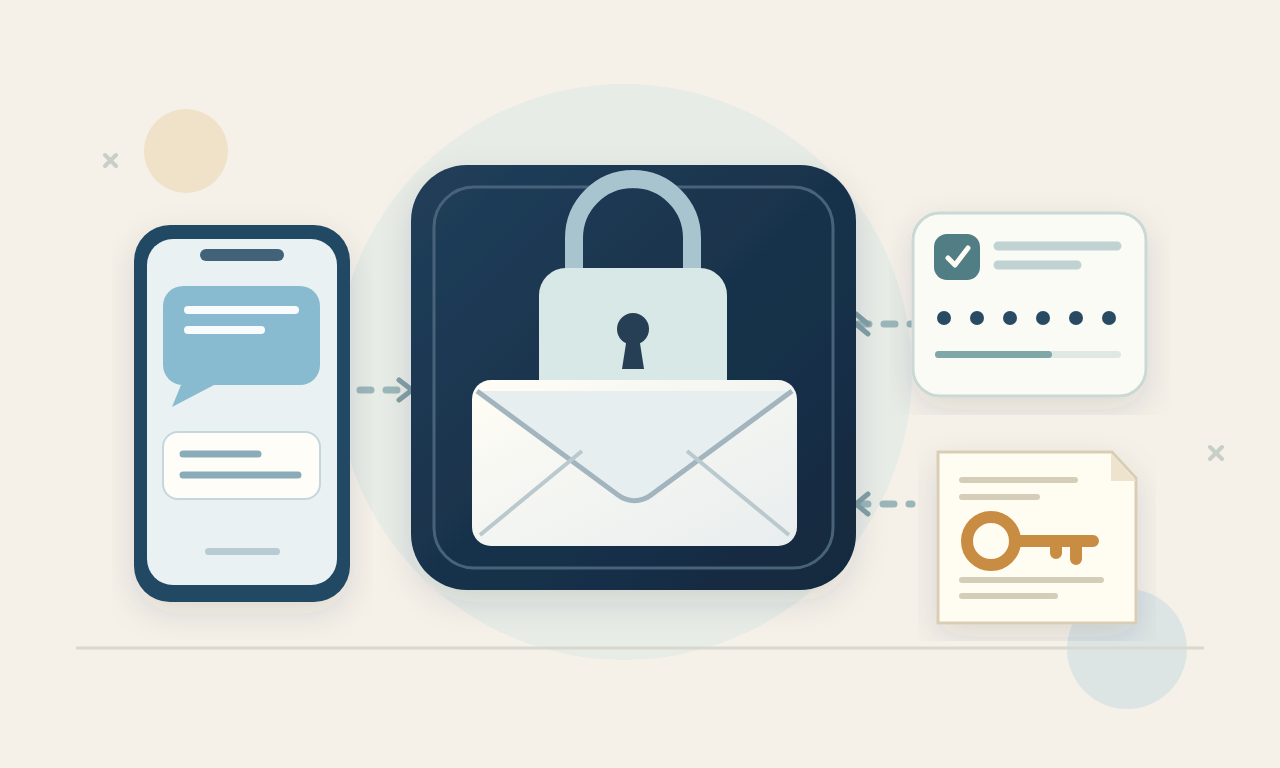
Imagine the usual situation: you are moving the mail to a new smartphone, remember the password, but after it is entered, another field appears. Expecting SMS seems a natural continuation of entrance. However, in the documented route GMX.com the second factor is created by an app-authenticator. The phone number is in another phase. If you take these two mechanisms for one, you can long look for a letter or SMS that the current form has not asked at all.
For a mailbox, such confusion is ⁇ unpleasant: through it you can receive important notifications and restore access to your other services. Therefore, it is useful to make a small access map in advance: box address, password, application and backup recovery method. Below are the official materials of the international GMX.com, not universal rules for all regional versions of the brand. The main task is to understand the destination of each confirmation and to keep control of your own mail, without replacing it with a single receipt of numbers.
What to know first
- The over-the-counter SMS, current application code and emergency key perform different tasks.
- The authenticator code changes; the once saved value does not become a permanent password.
- It is better to complete the recovery settings until the device or mobile number is lost.
- The failure of a single mail client does not mean the loss of the box itself.
- The SMScash VIP proposal does not confirm the number's compatibility with GMX or the reliability of future recovery.
Box address and phone: two different records in your access map
GMX.com presents email and related tools; the operator on the official page is named 1&1 Mail & Media GmbH. On the main, you can enter and create an address, and the help center separately understands the password and security. From the presence of the registration form, it cannot be stated that any number will fit or that all users will show the same set of checks. Read the requirements of the page on which you create your record.
The practical reception is to record the purpose of the address with one proposal: “I create a new box”, “I return to the previous” or “I set up an additional protection.” Then add the email address and the expected confirmation method. A set of similar screens does not make these tasks interchangeable. Creating a new address, for example, does not transfer the correspondence of the old box and does not confirm the right to access the previous record. This is not a solution to the problem of recovery, but another operation with another result.
Free Email Accounts @GMX. com: Secure & easy to use ↗Free webmail and email by GMX ⁇ Sign up now! ↗Help Center ↗
Three secrets that are important to distinguish from the first mistake
In the official instructions, several protective mechanisms are used. They are more convenient to consider by purpose than by the appearance of a short code. A app-authenticator is required for the described two-factor scheme. The emergency key appears in the recovery documentation. Mixing these roles is dangerous even when all the necessary devices are still in your hand.
The table below is a map of reading instructions, not a backup way of entry. If the screen asks for confirmation from the application, the search for the next SMS will be directed from the required branch. If the authenticator itself is lost, the view of the old notifications also does not return its settings. First, determine what is missing: a message, an app value or a stored emergency material. Then use the official route for this situation.
| Mechanism | His role | What cannot be replaced |
|---|---|---|
| SMS | Check the number when setting protection | Application code with ordinary two-factor input |
| Code of Application | Additional confirmation at entrance | Password box or emergency key |
| The emergency key | Description of the reserve route in case of loss of access | Ordinary message in the letter |
About two-factor authentication ↗Setting up two-factor authentication ↗Logging in with two-factor authentication ↗Lost login credentials for two-factor authentication ↗
Check the number is required with the calculation of future access
In the instructions, the number settings are checked via SMS and linked to password recovery. So it is useful to ask yourself: can you manage this channel later?
For an important email, it is reasonable to choose a link that you are monitoring for a long time. This is a recommendation to keep access, not an assertion of what numbers GMX accepts. If the phone belongs to another person or access to it ends after one message, evaluate the consequences of losing this channel in advance. The positive result of one check does not describe future rights to the number. Do not record in your restoration plan what you do not actually manage.
When SMS doesn’t come: cut the problem to the current step
When setting the reference offers Resend SMS and checking the number. The universal waiting interval is not specified in the text read: turn to the current form.
As the diagnosis procedure itself is useful first to record whether the request was actually fulfilled, which channel has been selected and what the screen reports. Do not press repeat only because the mail folder is open: the field may be referred to the authenticator. When applying for official support, describe the observed event without any guess of the internal cause. “I asked, no message” and “the message came, but the meaning was rejected” – different information. The password, the contents of the box and the secret codes in this description do not need to be included.
To log in after the protection is required an updated application code.
Documented entry with two-factor protection begins with the email address and password, after which the user receives a request for additional confirmation. In the GMX example, this value shows FreeOTP. It works a limited time, then the application forms a new; the exact number of seconds in the read instructions is not listed.
This follows a simple tip: look at the required authenticator record and enter the current value rather than the old screen image. If the names are multiple, don’t switch the codes without understanding which account your record is. The new phone should also not automatically be considered a continuation of the set-up authenticator: first check your own transfer plan and preserved recovery means. This procedure helps to avoid confusion, but it does not promise success in the case of lost data.
About two-factor authentication ↗Setting up two-factor authentication ↗Logging in with two-factor authentication ↗
The emergency key should be prepared before an accident.
GMX offers to save the emergency secret key in a safe place; PDF is available in settings. The data loss report describes its use in the process of restoration and deactivation of two-factor protection. If the company cannot confirm the account, assistance is not guaranteed. Therefore, the key cannot be perceived as an unnecessary note, which will always be re-edited without checking.
Practically the reserve material should remain available to you and after the loss of the main device. Think about the storage location separately from the phone you are logging in now and protect the copy itself from access by others. Don’t send it to the person who suggests “accelerate unlocking” and don’t put it in an open discussion. The balance is important here: the document should not disappear along with a single device, but the ordinary general folder with broad access does not become safe only because of the word "reserve" in the name.
Setting up two-factor authentication ↗Lost login credentials for two-factor authentication ↗
Postal client stops entering – check the separate route
In the two-factor protection section, GMX warns about re-entering for the application and MailCheck. For POP3/IMAP, the access is specified separately that needs to be reactivated in mail settings; for GMX Mail app, you need an up-to-date version. Consequently, the terminated receipt of letters in one program and the unsupported verification SMS cannot be immediately combined into one breakdown.
To understand, make a short table of your observations: where the entrance works, which program shows a refusal and after which change it started. If the web post is available and there is no third party client, this is a useful difference in selecting the instructions. Do not turn off the firewall and do not change all parameters at the same time. Verify the method of connection used with the official certificate. Follow-up checking leaves the outcome of each step clear and reduces the risk of losing work access by trying to fix another channel.
What to include in the personal plan in case of change of phone
A good restoration plan answers questions about the possession of access, and does not keep all secrets near with open text. For your own check, note what address you are protecting, where the authenticator is set, whether the connection to your mobile number is kept and whether you can find an emergency document. Passwords and keys themselves are not required in the usual note with a plan to transfer.
You can mindfully check two scenarios: the smartphone is unavailable, but the rest of the material has been preserved; or the password is forgotten and the device remains with you. Everyone needs their own official route. The GMX message actually divides the loss of password, authenticator and emergency key. Don’t take this promise of recovery in any circumstances: the documents show order, and the belonging to a particular box still needs to be confirmed. If the necessary tool has already been lost, it is more important to honestly indicate this gap than to try out other data or create replacement accounts.
How to link SMScash VIP offer with mailbox protection
If the current SMScash VIP catalog has an offer for GMX, the record does not confirm the compatibility of the number with the mail service. The terms and conditions apply to the possible reward to the user for the first appropriate standard code, not to the purchase of a GMX account. Additional SMS does not create customer recharges.
Check the cash state separately: the accounting for the retention period is not yet an available residual, and the available residual is not equal to the already made outcome. The receipt of messages, the setting of protection and the movement of funds have independent results. For an important mail, first and foremost to keep your own methods of recovery; no expected reward or any sent SMS guarantees a long-term holding of the number or entry in the future.
Official Public Guide to SMScash ↗Official terms of SMScash VIP remuneration ↗About two-factor authentication ↗Lost login credentials for two-factor authentication ↗
Questions and answers
GMX registration and the inclusion of two-factor protection – one procedure?
No is. Creating an email address and setting additional protection solve different tasks. Here are detailed materials from GMX.com; the actual requirements of your registration form check separately.
Free Email Accounts @GMX. com: Secure & easy to use ↗Help Center ↗About two-factor authentication ↗
Can I enter a SMS code instead of the value from the authenticator?
The described entrance requires the current application code. The verification of the mobile number when setting performs another role; one confirmation does not replace the other.
About two-factor authentication ↗Logging in with two-factor authentication ↗
How many numbers should be in the SMS GMX?
The read instructions call six digits for the app-authenticator code. You cannot transfer this format to all SMS; see the specific check form.
What to do if the app-authenticator is lost?
Use the official recovery route for lost data and the emergency source key if it has been preserved. The document does not guarantee assistance when the account's membership is impossible to confirm.
Why does POP3 or IMAP not work?
GMX separately indicates the reactivation of this access in mail settings. Check the method of connection used; it’s not the same question as sending SMS.
Is the presence of GMX in SMScash VIP confirmed by receiving temporary numbers?
No is. The catalog does not guarantee the acceptance of the number by another site, long-term access to it or successful recovery of the box. The award conditions are also checked separately.
Official Public Guide to SMScash ↗Official terms of SMScash VIP remuneration ↗Lost login credentials for two-factor authentication ↗
Post access is easier to keep when each confirmation has its place. Differentiate SMS when setting, changing application code and emergency material, turn the current form with official instructions and evaluate the result in your box. The reserve recovery method is useful when it really remains under your control.
Official materials
Sources for verifying information and studying the service's terms on your own.
- Free Email Accounts @GMX. com: Secure & easy to use ↗
- Free webmail and email by GMX ⁇ Sign up now! ↗
- Help Center ↗
- Two-factor authentication ↗
- About two-factor authentication ↗
- Setting up two-factor authentication ↗
- Logging in with two-factor authentication ↗
- Lost login credentials for two-factor authentication ↗
- Official Public Guide to SMScash ↗
- Official terms of SMScash VIP remuneration ↗